Skip to content
tka688 Slots / Mobile
LIVE LOBBY

tka688 — Live Casino, Slots and Sports in Your Mobile Browser

Live casino tables, slot rooms and cricket-led sports markets are all inside one lobby, accessible from your mobile browser with no download required. Fund your account through bKash or Nagad and the deposit confirmation lands straight on your phone.

bKash Nagad Rocket
Browse games
CONTENT / 01

What the tka688 Lobby Carries Right Now

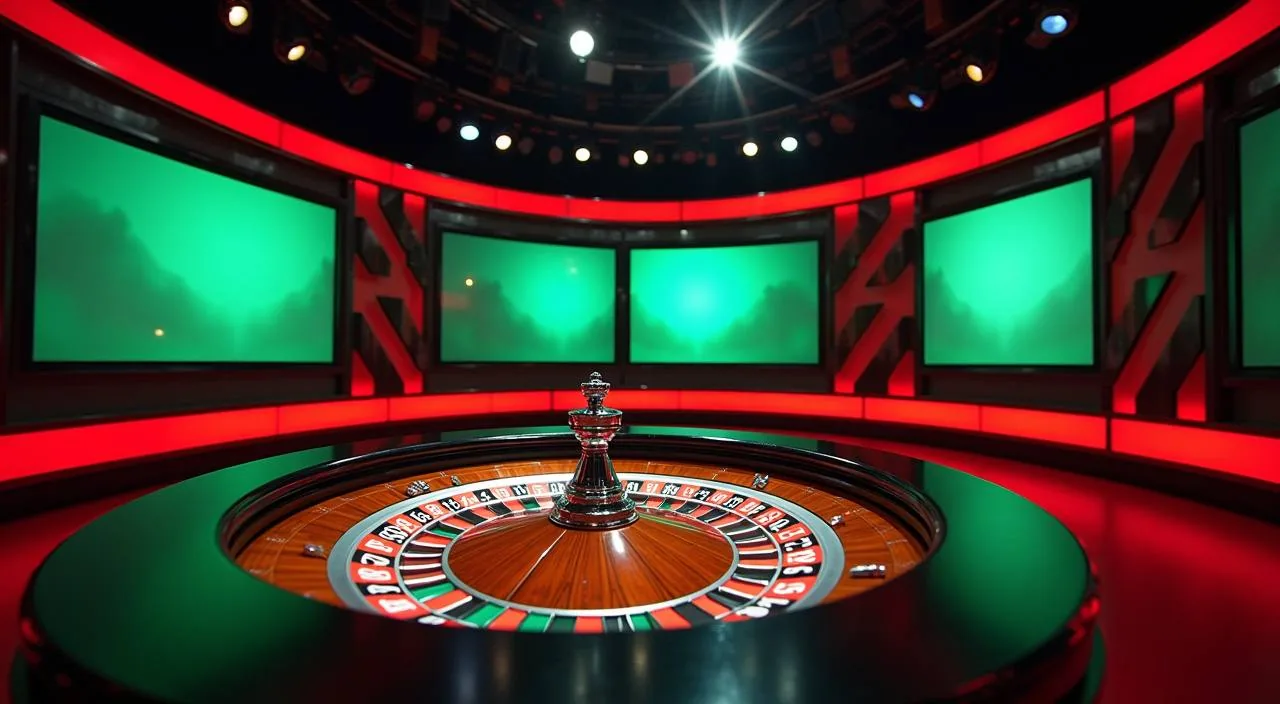
The lobby is organised into clear category rows so you can go directly to what you want without scrolling through unrelated content. Live casino is the first major category — real dealer tables streamed directly, including Roulette Livestream and Teen Patti LuckySpin, both of which carry active table sessions across most hours.

  • Live Casino

    Roulette Livestream and Teen Patti LuckySpin are the headline live tables. Real dealer sessions run across most hours and the table status is visible in the lobby before you open the game.

  • Slots

    PlayStar, CQ9, Microgaming and Joker supply the slot rooms. RTP data appears only where a studio has published it. No invented percentages — just the figures the studio makes available.

  • Crash Games

    Crash Dice Roller and Aviator Fast Round are in a dedicated crash section. Rounds are short, the multiplier history is visible in-game, and the format suits members who want a faster pace.

  • Sports and Cricket

    Live Cricket Spot leads the sports lobby. International cricket, BPL and IPL fixtures are listed when active. Football BlitzBet adds a second major sport to the sportsbook.

ACCOUNT SETUP PATH

From Registration to First Deposit in Four Steps

Starting at tka688 follows a clear path. First, open the account registration page and fill in your mobile number and a password — every field is labelled in plain English so nothing is hidden. Second, confirm your number using the verification code sent to your phone; keep that message open while you enter the code. Third, complete the account profile fields that appear after verification — these typically include your preferred display name and contact details. Filling them accurately at this stage avoids delays later if you ever need to recover account access.

  1. Register

    Open the registration page, enter your mobile number and set a password. Every field is labelled clearly — no hidden steps.

  2. Verify

    A verification code is sent to your number. Enter it while the message is open to confirm your account is active.

  3. Deposit via bKash

    Go to Deposit, select bKash, enter the amount and follow the prompts in your bKash app. Your bKash transaction history is your proof.

  4. Enter the Lobby

    Once the deposit shows in your wallet balance, the full lobby is open — slots, live tables and the sportsbook are all ready.

MEMBER DESK / 06

Offers, support and account controls

01

Game lobby

02

Payment guide

03

Support

TKA688
Mobile casino lobby
Popular Live Slots
Live Cricket Spot Roulette Livestream Teen Patti LuckySpin
MOBILE LOBBY

Built for phones, clear on desktop

Cards, tables, FAQ and policy pages stay easy to read on smaller screens.

  • Quick categories
  • Mobile first
  • Access
App
CONTENT / 03

The Full Lobby Runs in Your Phone Browser

There is no separate app to download or install. The entire tka688 lobby — live casino, slots, crash games and sports — loads through your mobile browser on Android or iOS. Open the site address, log in, and every section of the platform is right there on your screen. For the smoothest experience, use a browser that is kept up to date — Chrome and Firefox on Android both render the full lobby without layout issues. If a page appears cut off or a button does not respond, a simple browser refresh usually resolves it. You can also save the site address to your home screen through your browser's share menu, which gives you one-tap access without opening the browser manually each time.

  • No Download Needed

    The lobby runs entirely in a mobile browser. There is no APK file or app store installation required. Open the site, log in and the full lobby is available immediately on your Android or iOS device.

  • Consistent Across Devices

    Your wallet balance, deposit history and account settings are the same whether you access from a phone or desktop. Switching devices does not reset your session data or payment records.

  • Payment Stays On Your Phone

    After a bKash or Nagad deposit, both the wallet transaction record and the lobby balance update appear on the same mobile screen. That gives you two independent confirmations without needing a second device.

LOCAL PAYMENTS

bKash First, Then Nagad — How the Deposit Path Works

We route deposits in a specific order because not every method clears with equal consistency for every member. bKash is the primary channel. If your bKash account is verified and the wallet has sufficient balance, start there — the send flow is one you have used before for other transfers, and the transaction re

  • bKash

    Primary deposit channel. Use the standard send-to-number flow in your bKash app. The transaction reference in your bKash history is the first record to check if you have a query about a deposit.

  • Nagad

    Direct alternative to bKash. Same mobile-wallet send model, useful when bKash is at capacity or your daily bKash limit is reached. Configured limits are shown on the deposit page.

  • Rocket

    Dutch-Bangla mobile banking route for DBBL account holders. Works alongside bKash and Nagad as a third configured option. Minimum and maximum amounts are listed in your account deposit section.

  • Bank Transfer

    Available for members who prefer a direct bank-to-account transfer rather than a mobile wallet. Check the deposit page for the configured bank details and required reference format.

Banking
TRUST / 03

Where to Go When Your Account Needs Attention

Most account questions fall into three categories: a deposit that has not reflected in the wallet, a login issue, or a query about a withdrawal. For each of these, the first step is the same — open the Transaction History section in your account. Once you have your transaction reference from the history page, you can bring it directly to the live chat team. This single reference number allows the support agent to locate your case immediately without asking follow-up questions. Live chat is accessible from the help icon visible on every page after you log in. If chat is temporarily busy, the same reference number is equally useful when you submit a written query through the contact form in the account menu.

  • Live Chat

    The chat icon sits in the corner of every lobby and account page. Open it, describe your issue and include the transaction reference from your payment app. That single reference speeds up every deposit or withdrawal query significantly.

  • Email Support

    The support email address is in the Help section of your account. Use it for non-urgent queries or when you need to attach a screenshot. Include your username and the relevant transaction ID in the first line.

  • Transaction History

    Before contacting support, check Transaction History inside your account. Every deposit attempt has a status — pending, complete or failed. Knowing that status before you write saves time and gets your query resolved faster.

Learn more →
DISCOVER / 01

Choose your game

Full lobby
GAME NETWORK
PlayStar
CQ9
Microgaming
Joker
CONTENT / 04

tka688 lobby studios

The tka688 lobby carries content from PlayStar, CQ9, Microgaming, Joker. To check the studio, rules or features of one specific game, open that game card or the published information panel.

  • PlayStar

  • CQ9

  • Microgaming

  • Joker

FEATURED GAME PICK

Teen Patti LuckySpin — Live Table Worth Opening

Teen Patti LuckySpin sits in the live casino section and draws consistent attention from members who want a table game that feels locally familiar. The format combines a card-dealt round structure with a spin element, and the live stream quality means you can follow each deal clearly even on a mid-range mobile handset.

  • Teen Patti LuckySpin

    A live dealer table that blends card-deal rounds with a spin format. Table status is visible in the lobby tile before you open the game, so you know whether a seat is available without clicking through first.

  • Roulette Livestream

    Standard European roulette with a live dealer and visible wheel. The stream quality holds up on mobile, and the dealer calls each result clearly. Available in the live casino section of the lobby.

  • Crash Dice Roller

    A crash-format game with a visible round-history column showing recent multipliers. You choose your own cash-out point. Short rounds make it a practical option when you only have a few minutes to play.

TRUST / 03

What You Can Check and Verify From Your Own Account

We want every member to be able to verify the key facts about their activity without relying on anything we say here. Your Transaction History page logs every deposit and withdrawal attempt, each with a timestamp and a status. That record is independent of your bKash, Nagad or Rocket app history — having both means you can cross-check any transfer.

  • Transaction History

    Every deposit and withdrawal attempt is logged with a timestamp and status in your account. Cross-reference this with your bKash, Nagad or Rocket app history to independently verify any transfer. Both records together are your proof of payment.

  • Session Records

    Your game session history in the account area shows titles played, stakes and round results. It is a factual activity log you can review at any time. Nothing in that record is altered by us after a session closes.

  • Published Terms and Privacy

    Our terms of use and privacy policy are in the site footer, reachable from any page. They describe the data we hold and your rights. Access and availability depend on local law and eligible regions — the terms document is the definitive reference.

  • Verified Account Settings

    Your registered mobile number and linked payment methods are visible in account settings. Check this page if anything looks unfamiliar. Any change to your account details requires authentication from your registered number.

Learn more →
ACCOUNT DESK

Account information

Review current account information after signing in.

Login
PLAYER INDEX / 07

Key Account and Payment Terms You Will See on the Platform

Some terms on the deposit and account pages have specific meanings on this platform. Understanding them before your first deposit removes confusion and helps you complete transactions correctly. The definitions below reflect how these terms are used inside tka688 — they are not general financial definitions. Wallet Balance refers to funds currently available for use within the platform — distinct from any amount that is still processing. Pending status on a transaction means the transfer has been submitted but not yet confirmed on both sides. Confirmed means the amount has fully cleared and is reflected in your wallet. Turnover, where it appears on any conditions page, refers to the total value of rounds completed, not the net outcome of those rounds.

Player guide and glossary
  • What does 'wallet balance' mean on tka688?

    Your wallet balance is the amount of funds currently available in your tka688 account for wagering. It updates after each confirmed deposit or withdrawal. The wallet balance is separate from your bKash or Nagad app balance — one is your account credit on the platform, the other is your mobile wallet balance outside the platform.

  • What is a transaction reference and why do I need it?

    A transaction reference is the unique identifier generated by bKash, Nagad or Rocket when you complete a transfer. It appears in your payment app's transaction history. When you contact support about a deposit issue, sharing this reference allows the team to locate the specific transfer without asking for your full account details, which speeds up the resolution.

  • What does 'pending' status mean on the deposit page?

    A pending status means the system has received information about your transfer but the confirmation from the payment network has not yet been recorded. This can happen briefly after a bKash or Nagad send.

  • What is the difference between a deposit limit and a session limit?

    A deposit limit is the minimum or maximum amount you can transfer in a single deposit transaction, as configured for each payment method. These limits are shown on the deposit page before you enter an amount.

  • What does 'verified payment method' mean?

    A verified payment method is a bKash, Nagad, Rocket or bank account that has been linked and confirmed to your tka688 account. Withdrawals are routed back to the verified method used for the original deposit. If you want to change your linked payment method, the account settings page shows the steps and document requirements for making that change.

  • What is RTP and where can I find it?

    RTP stands for Return to Player, a percentage published by the game studio to indicate the theoretical payout rate of a title over a large number of rounds. On tka688, RTP figures are shown only when the studio — PlayStar, CQ9, Microgaming or Joker — has published and enabled that display for the specific title.

  • What does 'eligible regions' mean in the terms?

    Eligible regions refers to the geographic locations where the platform's services are available under the applicable terms. Access to tka688 and its payment routes, game content and account features depends on your local law and the region associated with your account.

Full glossary
LOBBY / 02

One mobile lobby, distinct game areas

Live Cricket Spot Sports Live Cricket Spot Access → Roulette Livestream Live Roulette Livestream Access → Teen Patti LuckySpin Slots Teen Patti LuckySpin Access → Football BlitzBet Sports Football BlitzBet Access → Crash Dice Roller Slots Crash Dice Roller Access → Aviator Fast Round Slots Aviator Fast Round Access →
EXPLORE FURTHER / 04

Explore detailed guides

Local lobby check

QUICK ANSWERS

Frequently asked questions

These are the questions members in Bangladesh ask most often when setting up their account or making their first deposit. Each answer reflects the actual process on tka688 — not a general description of how online accounts work.

Read FAQ →
How do I deposit using bKash on tka688?

Log in to your account, go to the Deposit section and select bKash as your method. The page will show the receiving number and any reference you need to include. Open your bKash app, use the Send Money flow, enter the details shown and complete the transfer.

Can I use Nagad if bKash is not working?

Yes. Nagad is configured as the primary alternative to bKash on tka688. The deposit flow is the same — go to Deposit, select Nagad, follow the send instructions and complete the transfer in your Nagad app.

Does tka688 work on a mobile phone without downloading an app?

Yes. The full lobby — including live casino, slots, crash games and sports — loads in your mobile browser. Open the tka688 website address in Chrome or any standard mobile browser, log in and the lobby is accessible immediately. There is no APK file or app store installation.

What should I do if my deposit shows in bKash but not in my tka688 wallet?

First, open the Transaction History page in your tka688 account and check the status of the deposit. If it shows as pending, wait briefly and refresh the page. If it shows as failed or is not listed at all, open live chat from the lobby and share your bKash transaction reference along with your registered username.

Which game studios are available in the tka688 lobby?

The lobby carries game content from four studios: PlayStar, CQ9, Microgaming and Joker. Each studio's titles are accessible through the category rows and studio filter tabs in the slot section. RTP information appears only where a studio has published it for a specific title. These studios supply game content only; they are not involved in payment processing or account management.

How do I contact tka688 support if I have a problem?

The fastest route is live chat — the chat icon is on every lobby and account page. For non-urgent matters, the support email address is listed in the Help section of your account.

Is tka688 available in all parts of Bangladesh?

Access to the platform depends on your local law and the eligible regions defined in the terms of use. The terms document, linked in the site footer, is the authoritative reference for which regions and conditions apply. We recommend reviewing the terms before registering if you are unsure whether the service is available where you are.

Where can I see the cricket betting markets on tka688?

Cricket markets are in the Sports section of the lobby. Live Cricket Spot is the dedicated cricket entry point. International fixtures, BPL and IPL matches appear in the sports lobby when those competitions are live.

READY WHEN YOU ARE

tka688 game lobby

Access may be available only where local law permits.

Register Login